Set up your 2027 budget in an hour
Do these in order, ideally in the last week of December, with last year's bank and card statements open.
- Income: list every take-home paycheck and side income for a normal month. Paid every two weeks? Use the paycheck budget calculator to turn 26 paychecks into a monthly figure.
- Fixed bills: rent or mortgage, utilities, phone, internet, insurance, loan minimums and subscriptions. The monthly bills list is a checklist of the ones people forget.
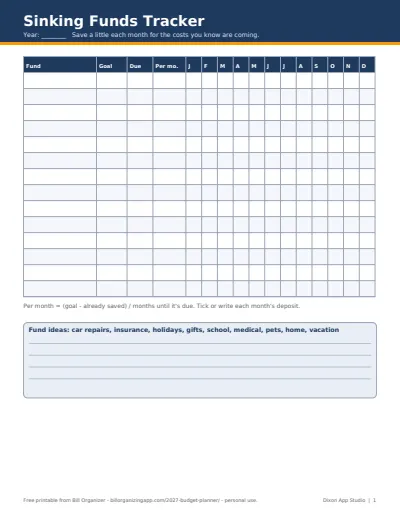
- Yearly costs: car registration, insurance renewals, holidays, back to school. Put them in the sinking funds tracker so each becomes a small monthly line.
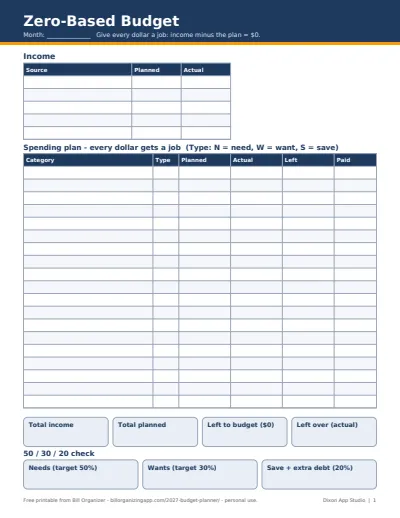
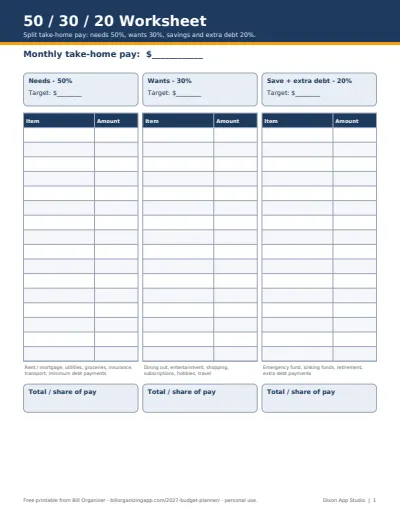
- Pick a method: give every dollar a job with the zero-based budget template, or check the big picture with the 50/30/20 budget template. Many people use both.
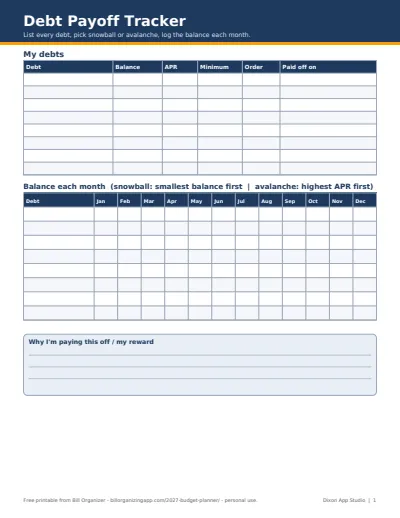
- Debts: list them in the debt payoff planner and decide snowball or avalanche before January's payments go out.
Which budget method should you use in 2027?
Zero-based budgeting suits people who want control: income minus the plan equals $0 every month, so nothing drifts. The 50/30/20 rule suits people who want a quick check without tracking every category: needs about half of take-home pay, wants about 30%, savings and extra debt payments about 20%. In the example, needs are 62% of pay, so the 50/30/20 sheet flags housing, the car and insurance as the first things to look at.
Whichever you pick, budget per paycheck if money is tight. The zero-based budget calculator and 50/30/20 calculator do the same math online if you'd rather not open a spreadsheet.
Taxes belong in the 2027 budget too
Expecting a refund in early 2027? Estimate it with the tax refund estimator and give it a job before it lands. Self-employed or paid on 1099s? The 1099 tax calculator gives the percentage to set aside, and the quarterly estimated tax calculator turns it into four dated payments you can add to the budget.
If you'd rather have it all connected, the paid 2027 Budget Planner Spreadsheet Pack (below) links twelve dated months, sinking funds, debt payoff and a bill calendar into one workbook; the free files here stay free either way.
Plan the new year
- How to make a budget: seven steps from take-home pay to a finished plan, with example numbers
- New year money reset checklist: 20 steps to review 2026 and set up 2027
- January bills to expect: renewals, property tax, holiday card balances and estimated tax
More of the 2027 budget pack
- Zero-Based Budget Template (Free Excel, Google Sheets & PDF): give every dollar a job until income minus the plan is $0
- 50/30/20 Budget Template (Free Excel, Google Sheets & PDF): needs 50%, wants 30%, savings 20%, in dollars and against your real plan
- Sinking Funds Tracker (Free Excel, Google Sheets & PDF): turn yearly costs into a small monthly amount and watch each fund fill
- Debt Payoff Planner (Free Snowball & Avalanche Tracker): snowball or avalanche order and a monthly balance log for up to 10 debts